It is 8:30 PM. A potential high-value client calls your business. Your office is closed, your staff is home, and the phone rings into the void until a generic voicemail picks up. Statistics suggest that 85% of callers who hit voicemail do not leave a message; they simply hang up and call your competitor.
Missed calls are not just minor inconveniences; they are revenue leaks. For many businesses, operational overhead and staff burnout make it impossible to answer every phone call, especially while trying to maintain aNLP) and voice AI actually handle your specific business scenarios.
What Is An AI Receptionist Demo?
An AI receptionist demo is a real-time, interactive simulation where you test the capabilities of a voice AI system before deployment. Unlike a static video or a slide deck, a live demo allows you to interact with the conversational AI as if you were a customer.
During this session, you typically witness the system’s ability to handle human-like latency, manage complex queries, and execute tasks like appointment setting or CRM data entry. It is the “proof of concept” phase where you validate that the technology can handle the nuance of your specific industry, whether you run a law firm or a dental clinic.
Traditional Implementation vs. Demo-First Approach
Making a decision based on a sales page versus a live experience leads to vastly different outcomes.
| Feature | Traditional Hiring / Blind Purchase | Demo-First with The DBT AI |
|---|---|---|
| Setup Time | Weeks of training and onboarding. | Minutes to configure and test. |
| Cost Risk | High (Salaries, benefits, contracts). | Low (Risk-free evaluation). |
| Availability | Limited to business hours (40hrs/week). | Unlimited (168hrs/week). |
| Scalability | Linear (Must hire more people). | Infinite (Handles spikes instantly). |
| Consistency | Variable (Mood, fatigue, illness). | Constant (Always polite, follows script). |
| Validation | Hired on a resume/interview hunch. | Proven performance before payment. |
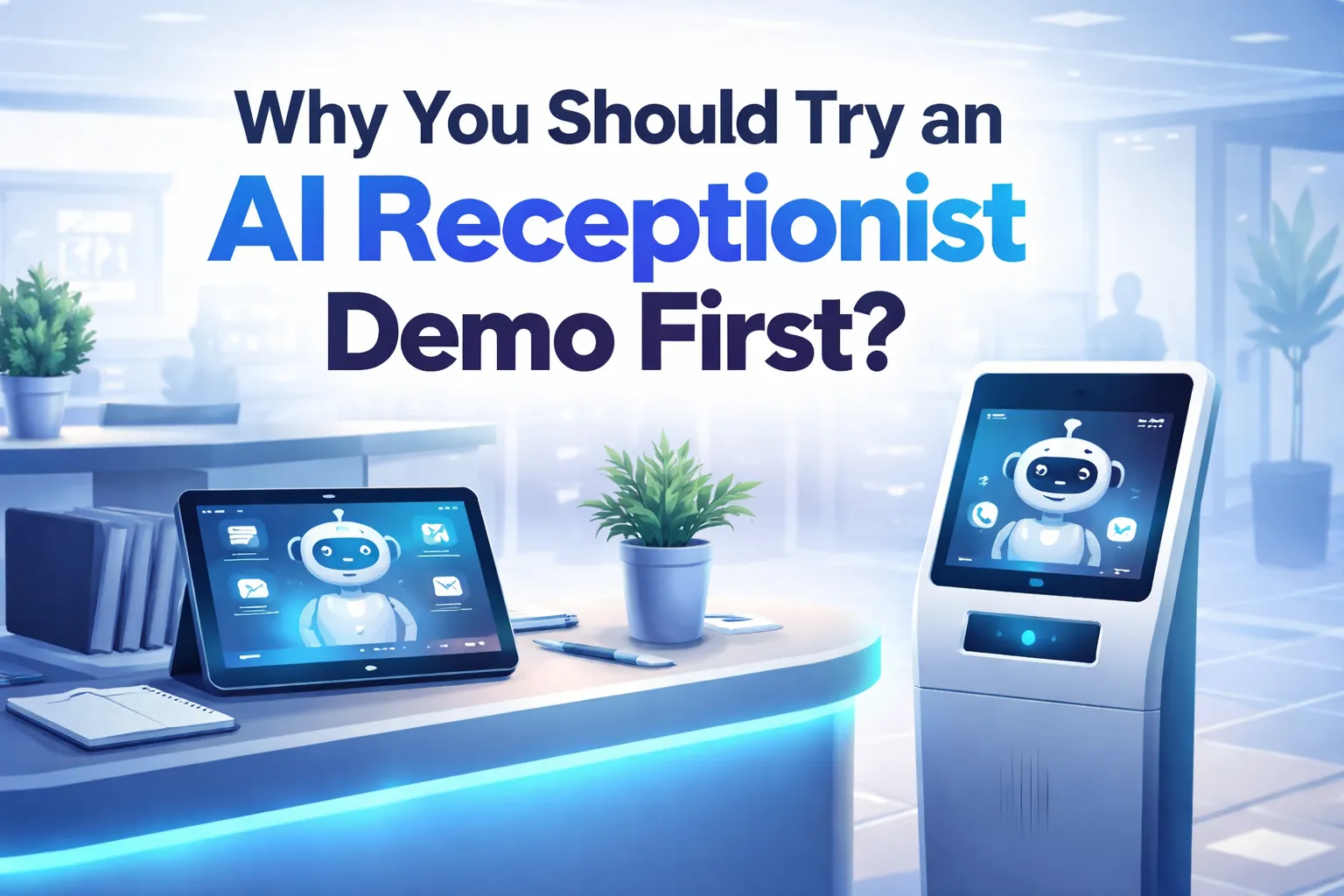
15 Reasons Why You Should Try an AI Receptionist Demo Firs
Before integrating a new system into your workflow, you need certainty. Here are 15 strategic reasons why scheduling a demo is the smartest first step.
1. Experience Human-Like Latency in Real-Time
The biggest fear business owners have regarding automation is that it will sound robotic. A standard AI phone answering service must respond quickly to maintain the illusion of a human conversation. During a demo, you can test the response time yourself. A high-quality AI should reply in under two seconds. If the lag is noticeable, your customers will hang up. A demo proves whether the neural text-to-speech engine is fast enough for your standards.
2. Test Your Specific Lead Qualification Rules
Every business qualifies leads differently. A law firm needs to know the case type; a contractor needs to know the project timeline. Generic chatbots fail here. In a demo, you can challenge the system with your specific qualification questions to see if it adheres to the client. Claims of “seamless integration” are common, but a demo lets you see it in action. You can watch the AI book a slot and immediately verify if it appears in your Google or Outlook calendar. This ensures the system creates a true AI scheduling assistant workflow that respects your existing appointments and blocks off time instantly.
4. Witness 24/7 Call Handling Capabilities
Your business might close at 5 PM, but your leads do not stop looking for services. A demo allows you to simulate after-hours calls to see how the system handles inquiries when no humans are present. By using a 24/7 call answering service, you ensure you never miss an opportunity, capturing revenue that would otherwise go to competitors who answer their phones at night.
5. Assess Multi-Language Support
If your customer base is diverse, your AI must be polyglot. Large language models (LLMs) allow modern systems to switch between languages fluently. A demo is the perfect environment to test this. Speak to the bot to 5 minutes to book an appointment. An optimized AI can do it in 30 to 60 seconds. In the demo, timing this interaction is crucial. A faster booking process reduces friction and abandonment rates. You can see specifically how AI appointment booking streamlines the conversation, asking only necessary questions to secure the meeting efficiently.
7. Understand Data Privacy and Compliance
For industries like healthcare and law, data privacy (GDPR/HIPAA) is non-negotiable. A demo provides the opportunity to ask technical questions about how data is stored and processed. You can assess if the virtual receptionist for law firms handles sensitive client intake information with the required security protocols, ensuring you remain compliant while automating intake.
8. Verify CRM Integration Efficiency
Does the AI actually log the call summary into Salesforce, HubSpot, or GoHighLevel? Or does it just send an email? During the demo, you should ask to see the backend. A robust AI business phone system will populate lead cards in your CRM automatically, saving your staff hours of manual data entry and reducing human error in record keeping.
9. Calculate Real Operational Cost Savings
It is easy to talk about ROI, but a demo helps you calculate it. By understanding the cost per minute or per call during the walkthrough, you can apply the following logic to your current expenses:
Seeing the platform’s efficiency helps you realize how a white label answering service model can reduce overhead by 40-60%.
10. Test Sentiment Analysis and Empathy
Can the AI detect if a caller is angry? Sentiment analysis allows the AI to adjust its tone or escalate the call. In a demo, try acting frustrated to see if the AI maintains professionalism or routes you to a human manager. This is critical for maintaining high customer satisfaction scores when using an automated call answering service.
11. Evaluate Intelligent Call Routing
Not every call should result in an appointment; some are billing questions or support issues. Intelligent call routing ensures the caller reaches the right department. Test this logic during the demo by asking for specific departments. A sophisticated automated call routing system will navigate these requests without trapping the user in an endless menu loop.
12. Review Analytics and Reporting Dashboards
Data is power. A demo walkthrough should include a look at the analytics dashboard. You need to see call volumes, peak times, and conversion rates. Understanding these metrics helps marketing agencies prove value to their clients. If the reporting is confusing or sparse during the demo, it will be useless in practice.
13. Check Waitlist and Cancellation Logic
For clinics and salons, cancellations are revenue killers. Advanced AI can automatically text the next person on the waitlist when a slot opens. Ask to see this specific workflow. It is a key feature for med spas & aesthetic clinics looking to maximize seat utilization and recover lost revenue from last-minute drop-outs.
14. Test Concurrent Call Handling
Humans can only answer one phone at a time. AI can answer thousands. While you cannot simulate 1,000 calls personally, you can ask the provider to demonstrate how the system manages concurrency. This scalability is essential for AI automation agencies that scale rapidly and cannot afford busy signals during marketing campaigns.
15. Experience the Warm Transfer
Sometimes, a human needs to take over. The “warm transfer” is where the AI briefs the human agent before connecting the call. Test this hand-off. The transition should be smooth, and the human agent should receive the context immediately. A seamless hand-off defines the best AI answering service from mediocre ones.
Which Industries Benefit Most from an AI Receptionist?
While almost any business with a phone line benefits, certain sectors see an immediate impact on their bottom line after implementing these systems.
Legal Services & Law Firms
Attorneys spend their day in court or deep work, not answering phones. However, a missed call often means a missed retainer. By utilizing a specialized virtual receptionist service, firms can ensure client intake forms are filled out via voice AI immediately, prioritizing urgent cases while the attorney focuses on billable hours.
Private Healthcare & Dental Clinics
Front desk staff in clinics are often overwhelmed with in-person patients, leaving phones ringing. An AI handles appointment reminders, rescheduling, and general FAQs. This reduces the administrative burden and improves patient engagement for private healthcare clinics, ensuring the schedule remains full.
Real Estate Agents
Speed to lead is the single most important metric in real estate. If you are showing a house, you cannot answer the phone. An AI phone assistant captures buyer intent, qualifies their budget, and schedules a viewing instantly, giving real estate agents a competitive edge in a fast-moving market.
Coaches and Consultants
For solopreneurs, every minute spent on admin is a minute not spent coaching. An AI receptionist acts as a gatekeeper, filtering out “tire kickers” and booking only qualified discovery calls. This automation allows coaches & consultants to scale their practice without hiring a full-time executive assistant.
Which AI Receptionist Provider Should You Choose?
When selecting a provider, you need more than just a capture system.
We utilize advanced large language models (LLMs) to ensure conversations flow naturally. Our operational entities focus on reducing human-like latency to indistinguishable levels. We integrate deeply with your tech stack—whether that is HubSpot, Salesforce, or a custom CRM—ensuring that data flows without friction.
Most importantly, we believe in the power of the demo. We want you to try the system, break it, and see it work for your specific use case. You can easily schedule a trial to see exactly how our logic aligns with your business goals.
We allow you to see the features in action, from intelligent routing to instant booking, ensuring you are confident before you commit.
Conclusion
The business landscape is shifting toward automation, but success belongs to those who implement it strategically. Relying on voicemail or overworked staff is a liability in an era where instant response is the standard. An AI receptionist demo is your risk-free opportunity to bridge the gap between missed calls and captured revenue.
By testing the system first, you validate the user intent, ensure semantic accuracy in conversations, and verify the ROI for your specific industry. Do not let another lead go to voicemail while you hesitate.
Future trends indicate that voice AI will become the primary entry point for all customer service. Get ahead of the curve today.
Ready to stop missing calls? Let us demonstrate The DBT Ai and show you how to automate your growth.
Frequently Asked Questions (FAQs)
What happens during an AI receptionist demo?
During a demo, you will see a live walkthrough of the platform. You can call the AI number to test the voice quality, latency, and conversational abilities. You will also see the dashboard backend to understand how to manage calls, view analytics, and integrate with your CRM.
Can I customize the AI’s voice and script during the demo?
Yes, most high-quality demos allow for real-time customization. You can ask the demonstrator to adjust the script or change the voice profile to hear how the AI auto attendant aligns with your brand’s tone and requirements.
Is the AI receptionist HIPAA and GDPR compliant?
Data privacy is a top priority. During the demo, you can review the security protocols. Reputable providers ensure that all voice data and transcriptions are encrypted and stored in compliance with GDPR and HIPAA regulations, making it safe for medical and legal use.
How long does it take to set up after the demo?
One of the advantages of AI over hiring staff is speed. If you are satisfied with the demo, implementation can often be completed in less than an hour. You can seamlessly app integration your calendar and CRM, allowing the system to start taking calls immediately.
Will the AI receptionist work with my existing phone number?
Absolutely. You do not need to change your business number. The demo will show you how to set up call forwarding so that your existing line routes to the virtual receptionist service whenever you are unavailable or after hours.